A private, on-device space for guided life interviews, personal notes, media memories, and camera/voice identity captures—stored locally in your browser with portable JSON backups.
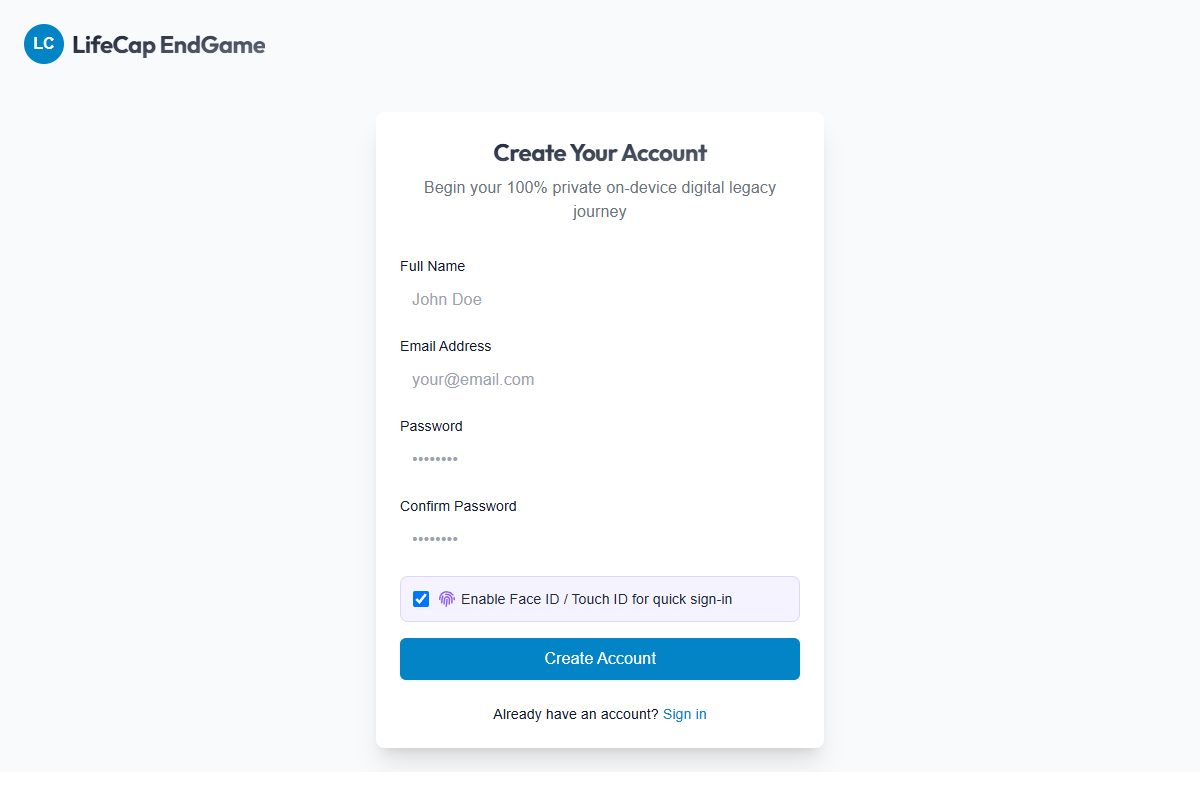
Explore LifeCapActual interface captured October 5, 2026. Public entry screen; no account data shown.
THE WORKLocal-first digital legacy vault
BUILT WITHIndexedDB + OPFS · WebAuthn Passkeys · Offline PWA
THE APPROACHBuild. Test. Refine.
01 / THE CHALLENGE
A clear job to do.
Give people a private, zero-cloud way to record life stories, guided voice interviews, personal notes, and video prompts without uploading sensitive family memories to a remote server.
02 / THE APPROACH
Make the useful part easy.
LifeCap runs as a standalone React and TypeScript PWA at lifecap.thetupyshow.com backed by IndexedDB and the Origin Private File System (OPFS). Visitors can launch an instant pre-loaded demo vault with one click or create a local vault protected by WebAuthn passkeys and local password hashing.
03 / DECISIONS THAT MATTER
The details are the work.
01
100% on-device storage & instant demo entry
Structured records live in IndexedDB (lifecap_local_db) while audio, video, and media files are saved in the browser's Origin Private File System (OPFS). A one-click demo vault lets visitors explore every workflow immediately.
02
Guided interviews & identity capture
Users can answer life-story prompts in text or voice, play back recorded answers in a native modal dialog, export plain-text transcripts, and record camera/microphone prompts for future digital-human preparation.
Owners configure an inactivity heartbeat timer, passing verification rules, and per-beneficiary access scopes, then export Printable Handover Certificates (with personal LC-REL keys) and a Sealed Release Package (.lifecap-release.json) that loved ones can unlock at /claim.
04 / VERIFICATION
More than a screenshot.
One-click demo vault, local SHA-256 account auth, and WebAuthn passkey flows verified
Guided life interview recording, audio playback, transcript export, and JSON backup/restore checked
Vault data belongs to the current browser and device. Clearing site data or changing devices requires exporting and restoring a JSON backup from Settings. Camera, microphone, and passkey features depend on browser hardware support.