Connecting an assistant to another app can make a task easier—or simply add another place to troubleshoot. For a small creator workflow, start by deciding exactly what should move between the two. This is an announcement brief with an evaluation plan, not a report of testing these integrations.
What changed
On September 23, Google announced a rollout of additional Gemini Connected Apps. Its list includes productivity services such as Airtable, Linear, and monday.com, and creative services including Adobe, Picsart, Squarespace, and Webflow. Google directs users to Gemini settings to connect supported apps.
A rollout announcement does not confirm that every listed integration is available for your account. Check your settings and the connection details before planning work around one.
Source: Google: New Connected Apps roll out to Gemini — September 23, 2026 ↗
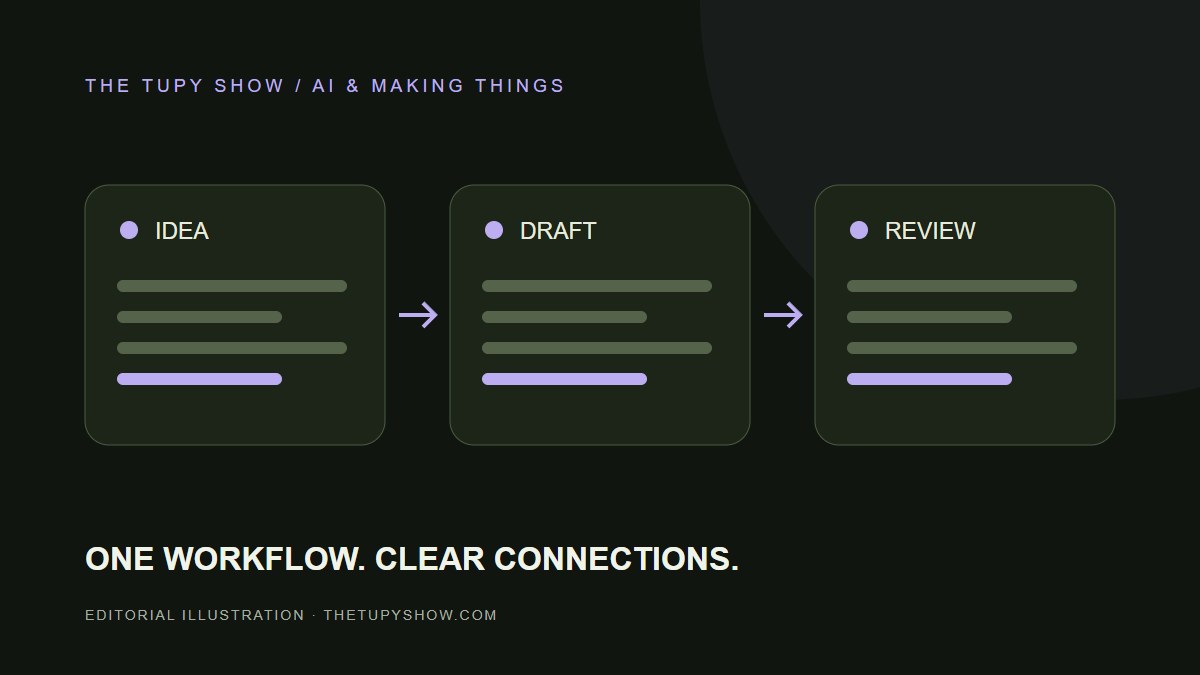
Our suggested workflow: an idea becomes a draft
Choose one recurring job, such as turning your own episode notes into a draft description. Identify the source material, the desired output, and the person who reviews it. Keep the first trial limited to a copy of the notes and a draft destination.
For a Short, your brief could ask for one accurate sentence describing the clip, two title options, and a link to a relevant page on your site. Explicitly exclude invented quotes, extra claims, and information that is not in the notes. The useful result is something you can check quickly against the clip.
- Input: a short set of notes you own and are comfortable sharing.
- Output: a draft with a clearly identified destination.
- Review: compare every factual statement with the source clip.
- Publish: a separate decision after you approve the draft.
Inspect the connection before relying on it
Read the actual permissions screen. Determine which account is connected, what information is accessible, and whether the integration can change content. Keep publishing and sending separate from the first trial. If the scope is broader than the job needs, consider using a manual copy instead.
Record how to disconnect the app and where to verify the output. If a step fails, check the destination before retrying so you do not create duplicate drafts. These are evaluation questions, not claims about the behavior of every integration.
Some jobs can stay on your device
Not every step needs an AI connection. If the job is simply shrinking a photo or creating a QR code, this site’s browser tools can do that locally. Put the app connection where it provides a clear benefit, and keep the simpler steps easy to repeat.
Sources & review notes
Sources checked October 6, 2026. Features can change; use the original documentation for account-specific details.
Prepared for The Tupy Show with AI-assisted research and drafting. Company announcements are attributed to their sources. Suggested workflows are editorial analysis, not claims of firsthand product testing. Send a correction or suggest a topic.