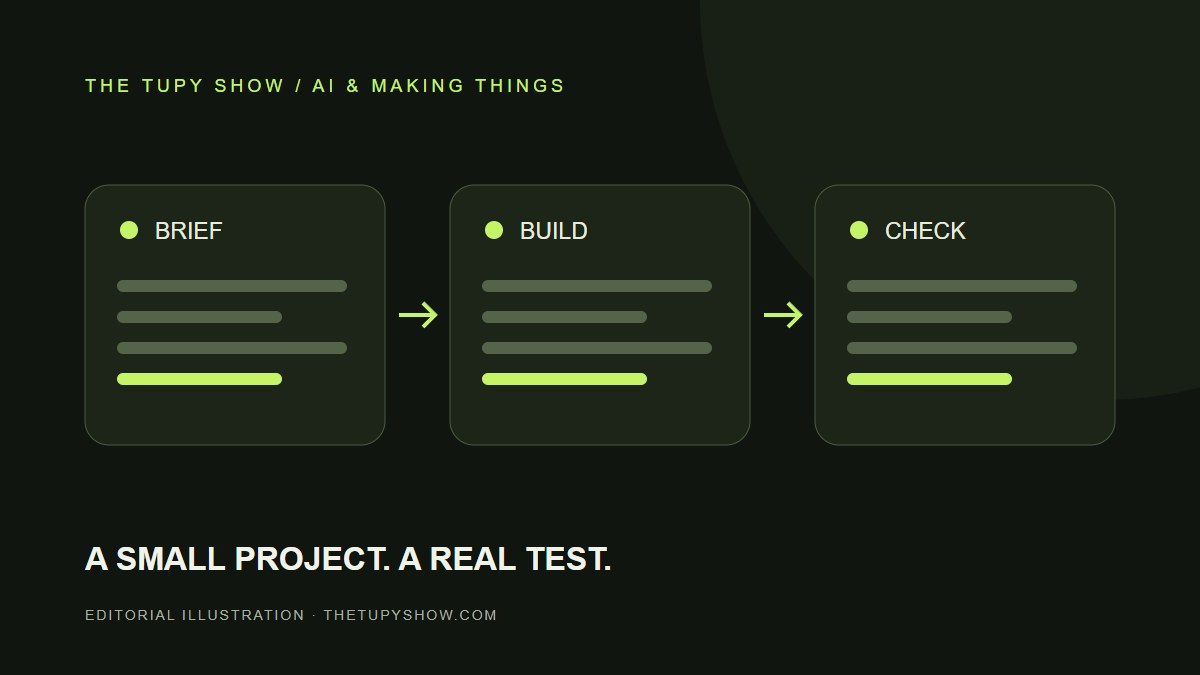
A new coding model is interesting. A working change you can understand and maintain is more useful. This brief separates the announcement from a suggested evaluation you can run on a small project. It is not a hands-on review or a ranking of competing models.
What Anthropic announced
Anthropic introduced Claude Sonnet 5.5 on September 28, 2026. It positions the model for everyday, well-defined work, including bug fixes and document creation. The company reports faster output and lower task costs than Sonnet 5, while saying its more capable Opus model remains stronger for complex, open-ended work.
Those are the vendor’s findings. They do not establish the time or cost you will see on your own project.
Source: Anthropic: Introducing Claude Sonnet 5.5 — September 28, 2026 ↗
Our suggested trial: one complete feature
Pick one reversible change with a clear result: add a search box to a small collection page, improve a mobile navigation menu, or fix a form’s error message. Keep a copy of the starting version and give each candidate the same requirements.
Write the acceptance checks before asking for code. For a search box, that might mean matching titles without case sensitivity, showing an empty state, working with the keyboard, and fitting a narrow screen. A finished-looking screenshot alone does not prove the feature works.
- Use sample data rather than private customer records.
- Record the initial request and every correction you need to make.
- Open the result at a mobile width and try the actual task.
- Check which files changed and whether unrelated behavior still works.
Judge the finished job, including repairs
Keep a simple scorecard: did the feature work, how much review did it need, how long did repairs take, and could you explain the final change? If your account exposes usage or cost, record that separately from elapsed time.
A fast first draft can still be expensive in attention. A slightly slower result may be more useful if the code is easy to review and the second change is straightforward. Repeat the trial on more than one task before treating a single good result as a new default.
Where this fits a personal portfolio
Use a small trial to create evidence you can show: the problem, the working interface, the checks, and the remaining limitations. That makes a stronger project story than listing the model you used. The portfolio on this site follows that structure so visitors can try the builds as well as read about them.
Sources & review notes
Sources checked October 6, 2026. Features can change; use the original documentation for account-specific details.
Prepared for The Tupy Show with AI-assisted research and drafting. Company announcements are attributed to their sources. Suggested workflows are editorial analysis, not claims of firsthand product testing. Send a correction or suggest a topic.